When WordPress Is Actually the Right Call (and How to Keep It Fast with Headless + Astro)
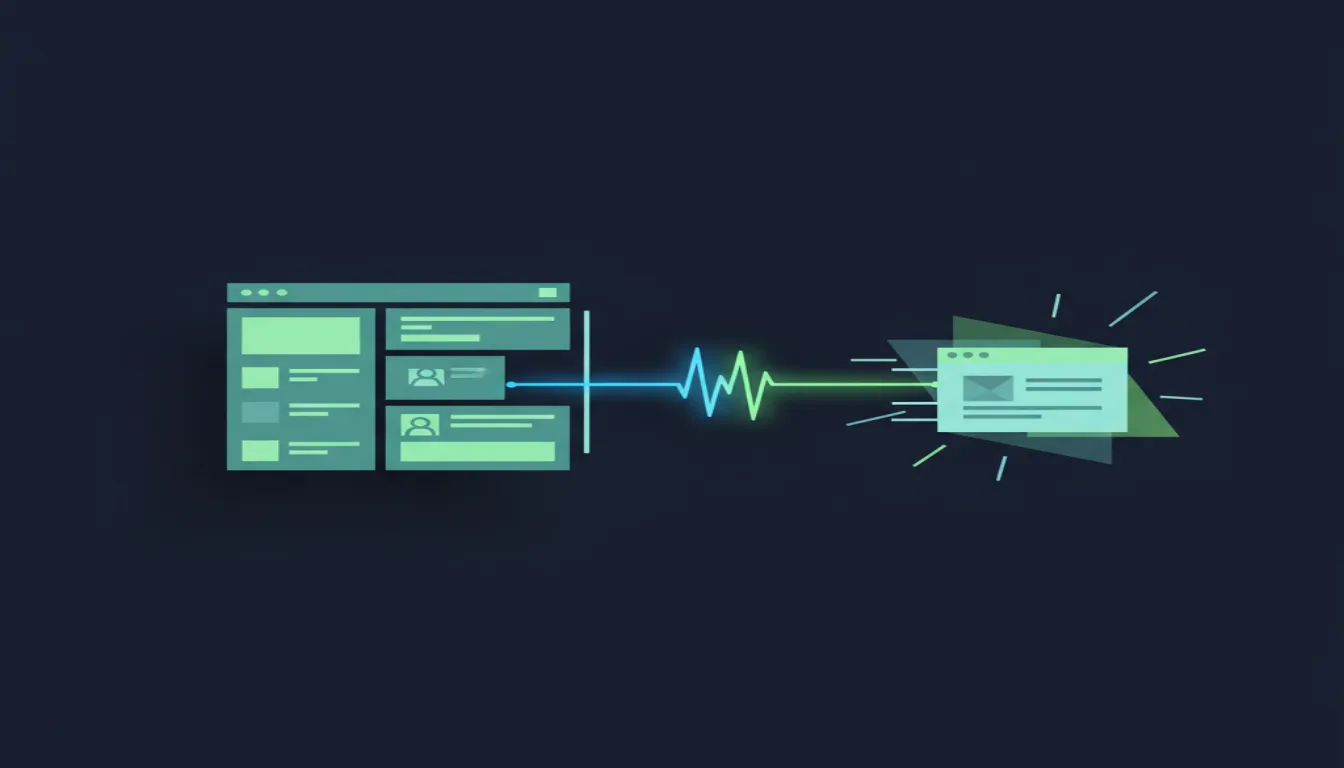
We Usually Tell Clients to Skip WordPress. Here Is Where We Stop
We have been vocal about why a default WordPress install is rarely our first recommendation for a new site. The database round trips, the plugin pileup, the page-builder markup, and the ongoing security surface area all add up. We covered a lot of that thinking in our Astro vs WordPress speed test, and we still stand by the conclusion.
But "usually" is not "always." WordPress is still the most widely used CMS on the web for real reasons, and some of those reasons are legitimate. The trick is not to treat WordPress as a religion or a poison. The trick is to use it only where it earns its keep, and to separate the parts it does well from the parts it does badly.
That separation is exactly what headless WordPress with Astro is for.
When WordPress Actually Earns Its Keep
There are four situations where we will look a client in the eye and say, yes, WordPress makes sense here.
A non-technical team that publishes daily. If your marketing staff, journalists, or store managers already live inside the WordPress dashboard, forcing them to learn Git, Markdown, or a headless CMS interface is a bad use of their time and your budget. The block editor is familiar, the publishing workflow is obvious, and training is minimal.
A large existing content library and plugin investment. A site with thousands of posts, custom post types, taxonomies, ACF fields, and editorial calendars is not something you casually rebuild in a new CMS. The migration cost alone can dwarf the build cost. In those cases, WordPress stays because the data already lives there.
A client who will edit without calling a developer. Some businesses need to change a phone number, swap a hero image, or publish a press release at 10 p.m. on a Friday. If every edit has to go through a dev ticket, the site will rot. WordPress wins when the client actually maintains the site themselves.
Specific ecosystem plugins that would be expensive to rebuild. Membership tiers, LMS course structures, WooCommerce catalog logic, event calendars, and donation workflows are not trivial to recreate from scratch. You can absolutely rebuild them, but sometimes the business case says, "Use the plugin that already handles taxes, subscriptions, and receipts."
In those cases, the CMS is not the problem. The way the content gets delivered is.
The Real Problem Is the Front End, Not the Editor
Classic WordPress couples the database, the admin interface, and the public HTML renderer into one monolith. When a visitor hits a page, PHP queries the database, runs through the theme template, loads however many plugins have hooked into the page, and finally spits out HTML. Then the browser gets hit with render-blocking styles, JavaScript bundles, and often a mountain of page-builder divs.
The editor itself is fine. The publishing workflow is fine. The bottleneck is delivery.
A stock WordPress site can easily ship several megabytes of assets for a simple article, and a page builder can multiply the DOM size. Caching plugins help, but they are a bandage on top of an architecture that was never designed for speed first. The database is still there. The plugin hooks are still there. The PHP render path is still there.
What if you kept the editor everyone liked and threw away the slow renderer?
Headless WordPress with Astro: Keep the Dashboard, Lose the Slowness
That is what headless WordPress with Astro does.
You leave WordPress running as the content backend. Editors still log into the same dashboard, write in the same block editor, manage media in the same library, and use the same plugins for content structure. But the public site is not rendered by WordPress. It is built by Astro.
Astro fetches content from WordPress at build time, either through the built-in WordPress REST API or through WPGraphQL if you want more control. It turns posts, pages, custom fields, and navigation menus into static HTML files. Those files get deployed to a static host or CDN. When a visitor arrives, they receive plain HTML. No PHP. No database query. No plugin execution on the request path.
The result is the part of WordPress people love, the editing experience, paired with the part of Astro people love, a fast, static, low-maintenance front end.
This is not a magic trick, though. There are honest tradeoffs.
You now have a build and deploy step. Publishing or updating a post means triggering a build, which can take anywhere from a few seconds to a couple of minutes depending on site size. Previewing unpublished content requires a deliberate preview workflow, either through draft APIs, on-demand rendering, or a staging build. You are also hosting two things now: the WordPress backend and the Astro front end. That can mean two bills, two SSL certificates, and two places to monitor.
Front-end features that plugins used to handle for free, like contact forms, site search, comments, and membership gates, need a replacement strategy. Forms can move to a dedicated form service. Search can use a client-side index or an external search API. Comments can become static or move to a third-party provider. None of this is impossible, but it is work you have to plan for.
For many teams, those tradeoffs are worth it because the daily editing experience stays the same while the public site gets dramatically faster and cheaper to host at scale.
WordPress Is Moving On from Page Builders
There is another reason headless WordPress with Astro is becoming cleaner: WordPress itself is changing.
The block editor, Gutenberg, and block themes are the direction core WordPress is heading. They are not perfect. The UX still has rough edges, third-party block libraries vary wildly in quality, and the migration path from a page builder can be painful. But the markup is getting leaner, the data is getting more structured, and the gap between content and presentation is getting wider in a good way.
If a client is currently on Elementor, Divi, or another heavy page builder, moving to native blocks is often a smart intermediate step before going headless. Native blocks reduce the amount of custom shortcode and wrapper markup that has to be parsed or rebuilt. They make it easier to map WordPress content to Astro components. They also reduce the plugin dependency count, which shrinks the attack surface and the maintenance load.
We are not saying blocks are flawless. We are saying they are the direction WordPress is actually investing in, and aligning with that direction makes a future headless move cheaper and less risky.
How to Decide
If you are trying to choose, here is the short version.
- Pick a custom Astro site if your content is mostly static, updates are infrequent, and a developer or technical person manages changes. You get the simplest stack, the fastest pages, and the least maintenance.
- Pick headless WordPress with Astro if a non-technical team publishes often, your content library or plugin investment is large, and you need the public site to stay fast without forcing editors to learn a new system.
- Stay on classic WordPress only if your site depends on plugins whose front-end behavior is load-bearing and would be expensive or risky to rebuild headless. Even then, treat it as a temporary state, not a permanent strategy.
The goal is not to be dogmatic. The goal is to match the architecture to the actual work the team does.
We Build Either Way
At SoFlo Webworks, we build custom Astro sites for teams that want a clean, fast, code-first site, and we build headless WordPress with Astro setups for teams that need to keep the WordPress editor without keeping the WordPress performance penalty. If you are in South Florida and trying to figure out which path fits your business or agency, get in touch and we will talk it through honestly.